

I've been using 7sage for almost a year and this is the first I encounter this problem. The video just keeps loading but won't change to the play button. But only for PT69 LR19 to 25, other PTs and Qs worked when I checked. Also, they worked when I tried to play them on my phone, so I am not sure what is going on...
I tried everything that's been said on this forum:
0
1 comments
Hi @sashellwisdom15,
I'm sorry for the trouble.
I tried watching the explanation videos for PrepTest 69, questions 19 - 25 in Sections 1 and 4 (LR), and I didn't encounter any issues. The videos loaded, and I was able to play them through to the end using Brave browser on Windows 10. Here's a GIF showing when I checked questions 19 and 20 in both LR sections:
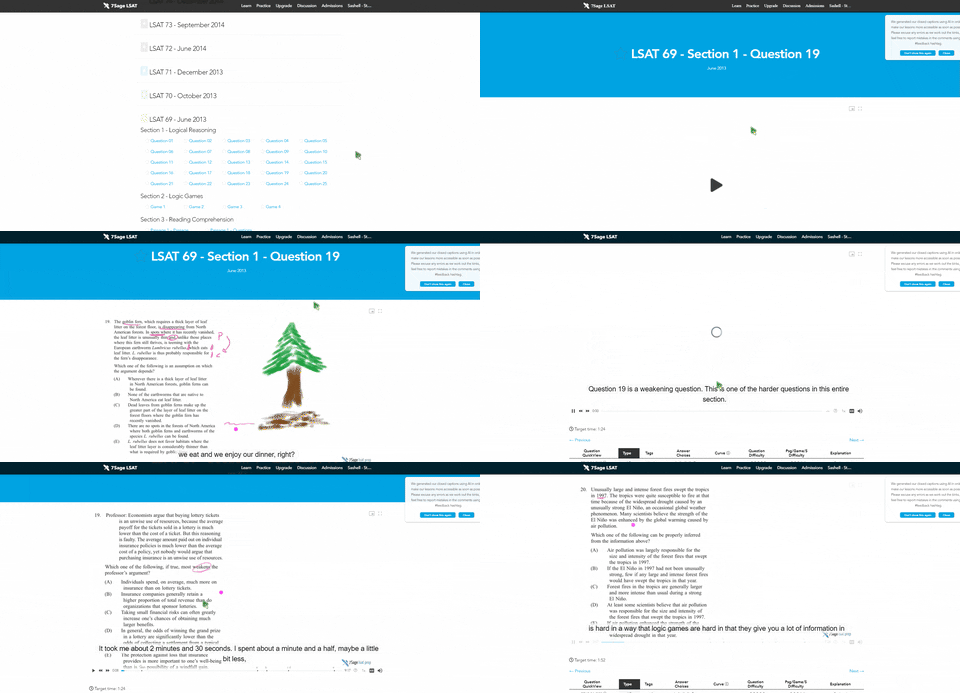
In addition to the troubleshooting tips you already tried, please also try the following:
-Change your video player to a more compatible one. Under the dropdown Video Player menu on your profile, select "Basic - Most compatible player with least features."
-Consider trying another network to play the videos, such as your laptop on 5G/LTE mobile data instead of Wi-Fi.
Again, I apologize for the trouble! Let me know how it goes here, or via our email correspondence.