


- Joined
- May 2025
- Subscription
- Live
Admissions profile
Discussions
@J.Y.Ping @Kevin_Lin
 before when studying the question would have the pt number right on the answers like above now it does not. this is super helpful when going through a longer drill and wanting to know exactly what PT a question is from.
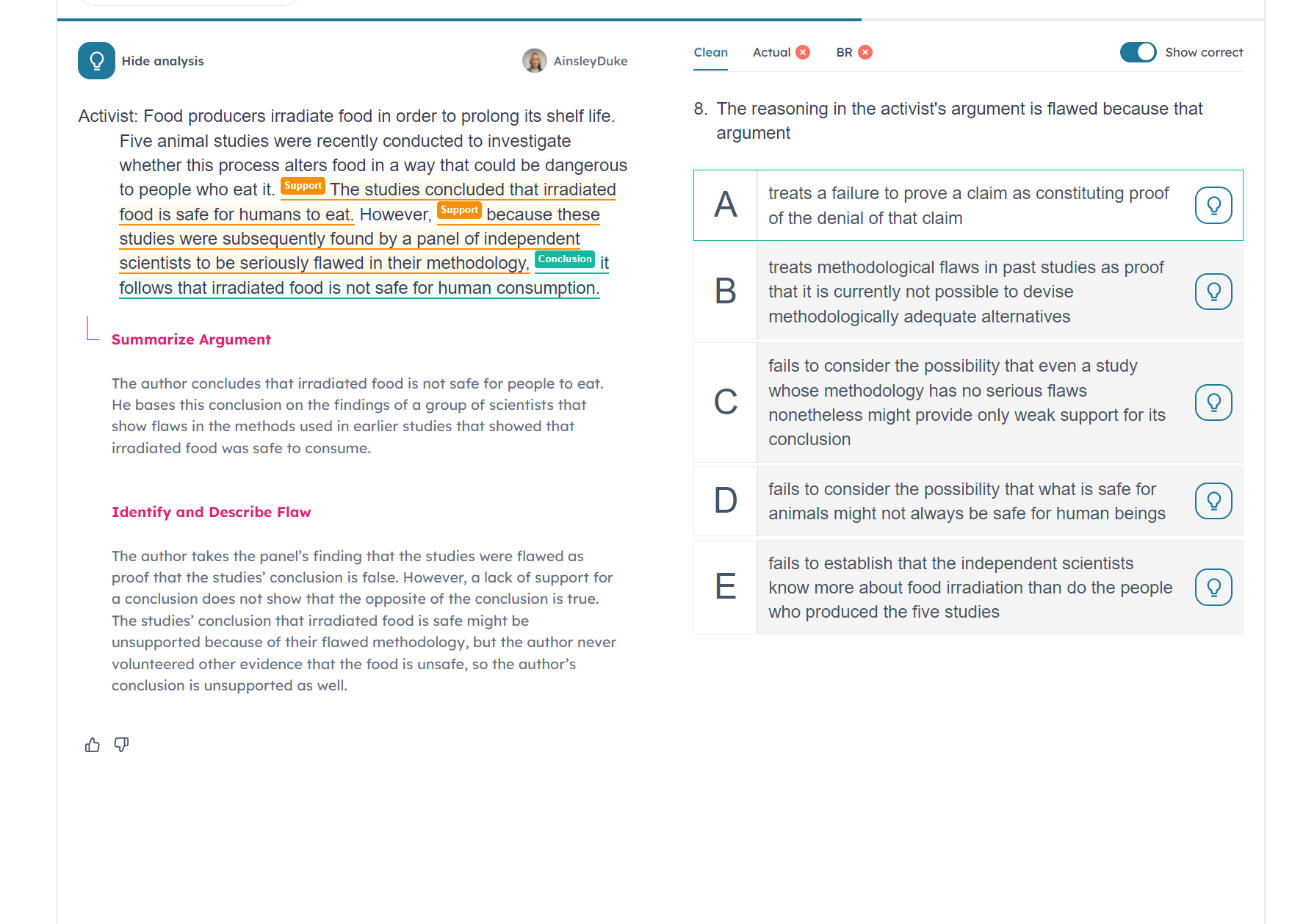
Can we please bring it back.
Also regarding the font when we are doing review so after we have already done the question and the BR in the LSAT ugly format can we have an option to put it back to the 7sage font. i do not like the lsac font for reviewing my answers. or can we have a toggle to decide?
Thank you in advance
I am reviewing a PrepTest that I already took and for some reason the font is now wonky. It was not like this when I took the test or when I first reviewed it months ago.
There is no way for me to edit it. PT 104 Section 3 Passage 2.
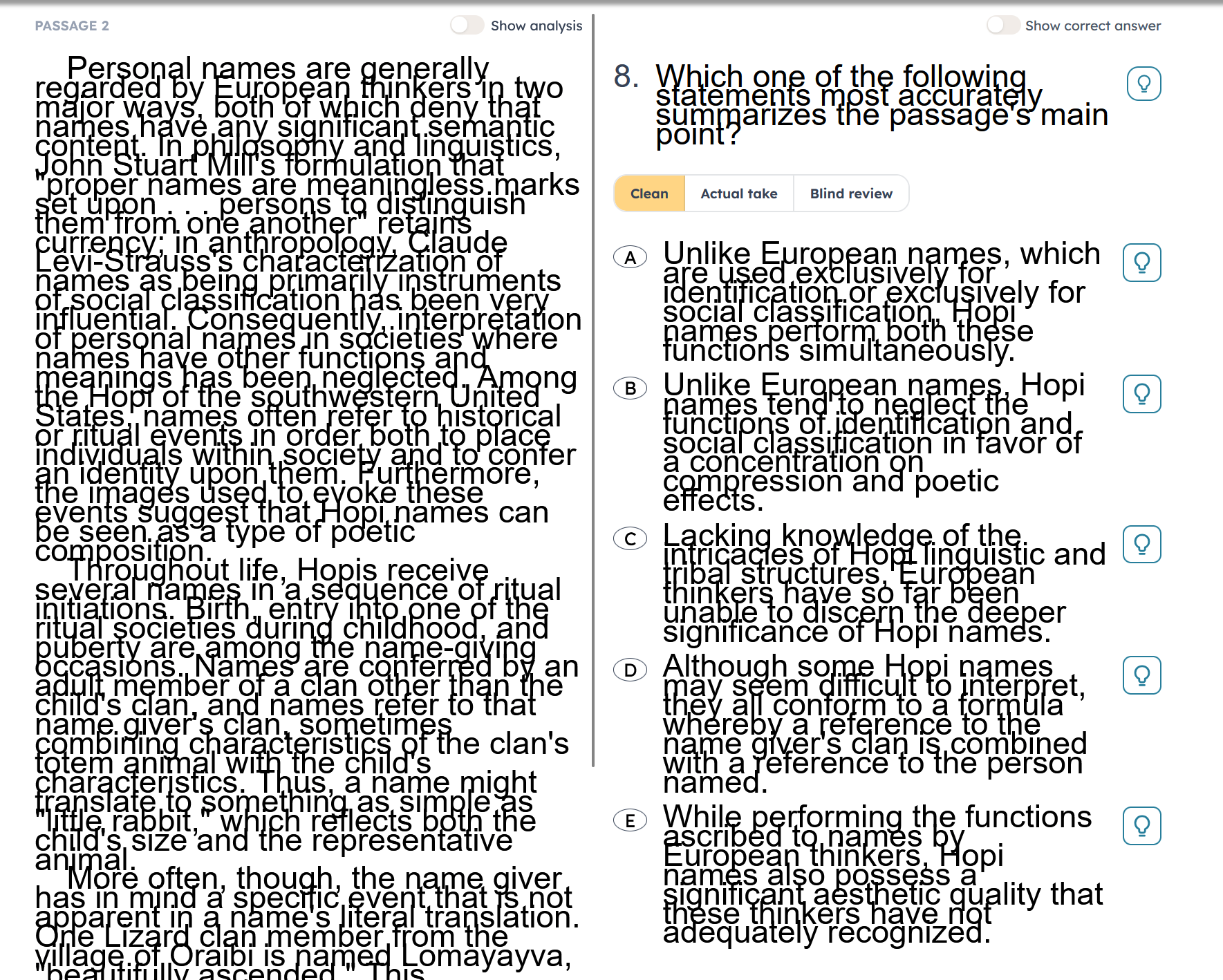

I am still having the issue. Below is a screenshot from Google Chrome. I am only having the issue with RC drills.
For full PTs or LR drills I do not have the issue.
For this RC drill even though I got some questions wrong the clean/ BR/ actual take does not show up for any of the questions.
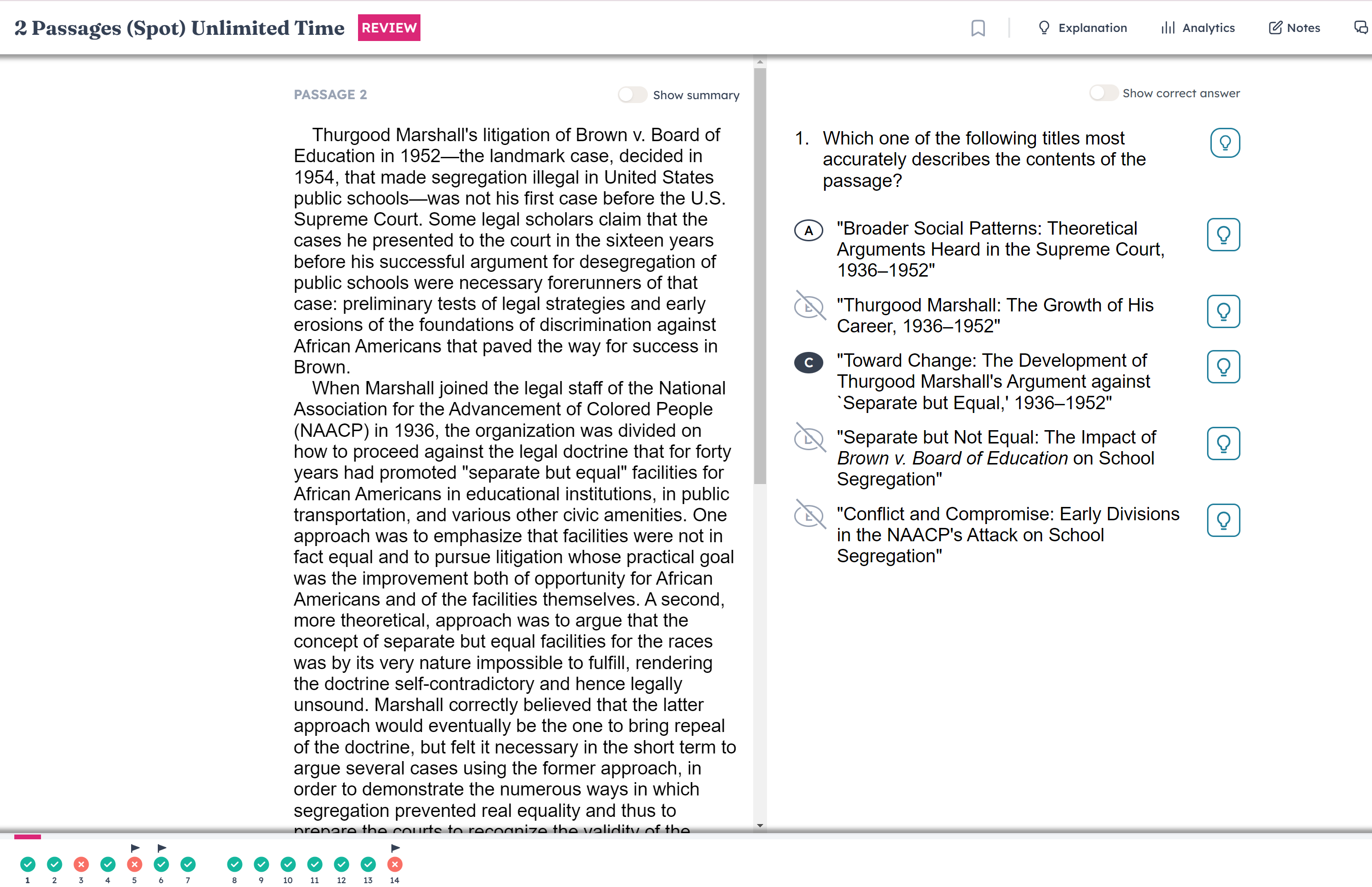
This is a screenshot from a PT and there is no issue.
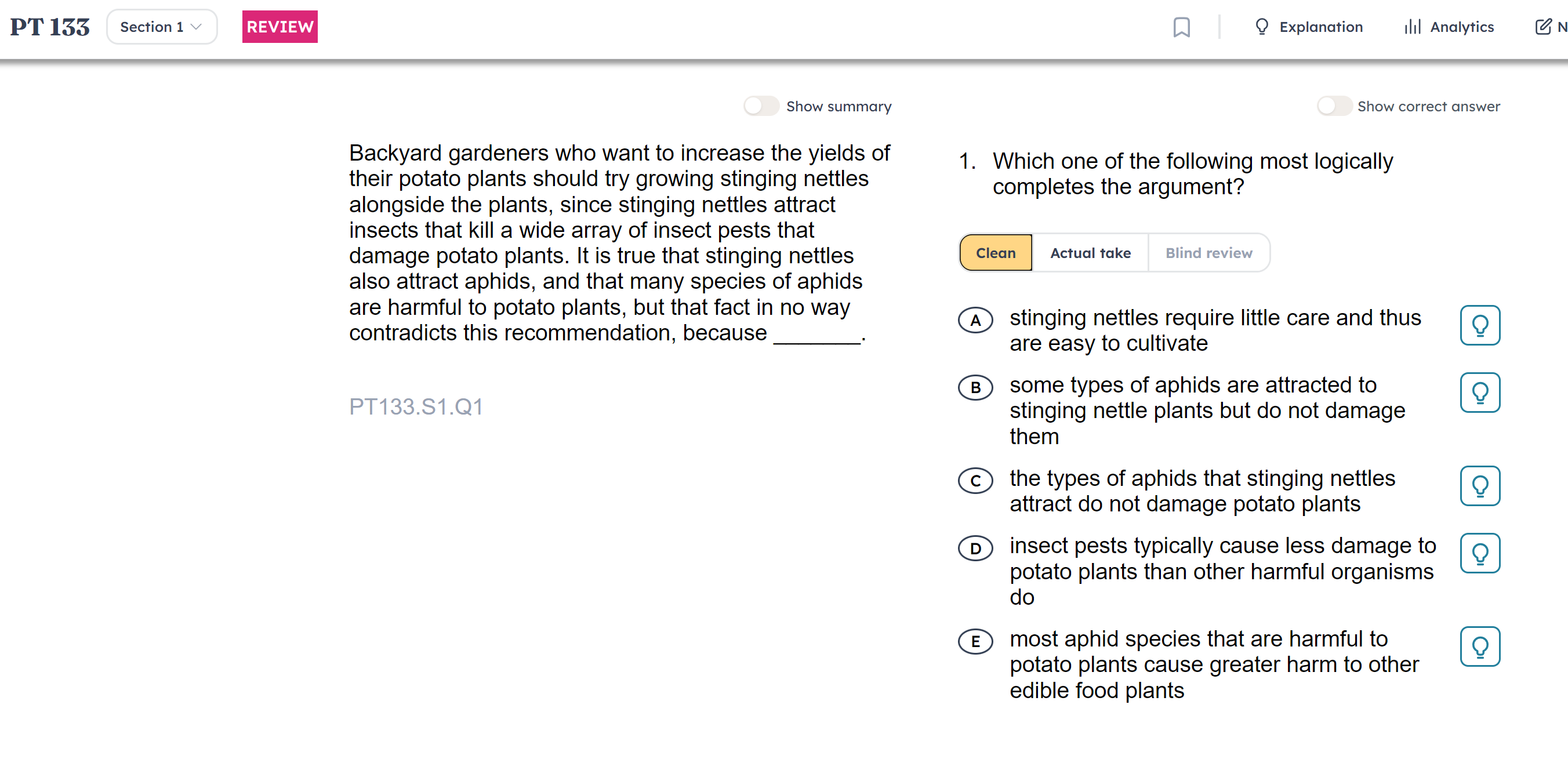
This is a screenshot from an LR drill and again no issue.
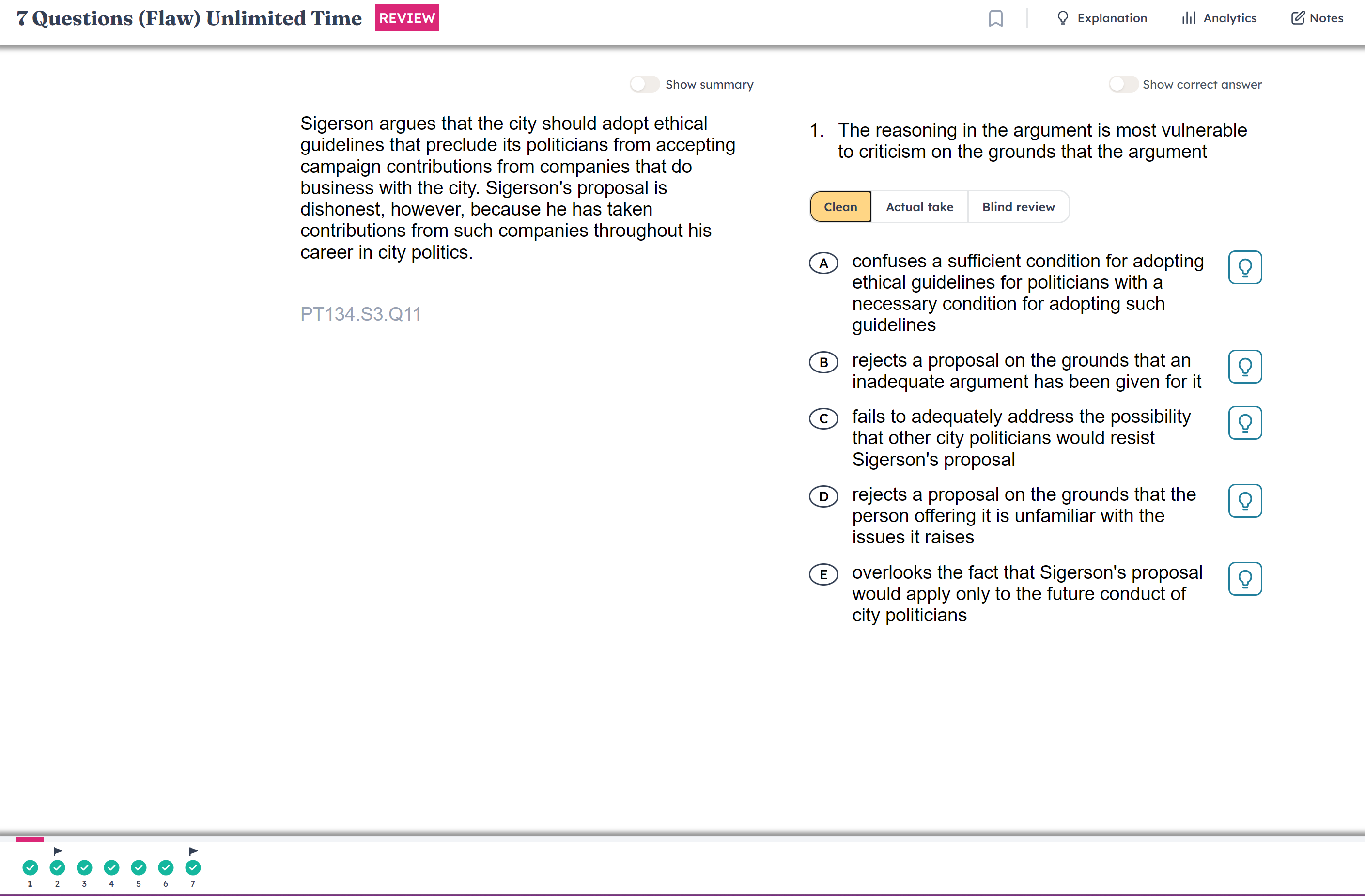
If I do a question or a section and get 100% then I do not have the option for the clean version and it does not show me what I put for the BR. For example this is Q14 which I got correct as an individual question and when I click Review it does not give me the options of clean, actual take and blind review.
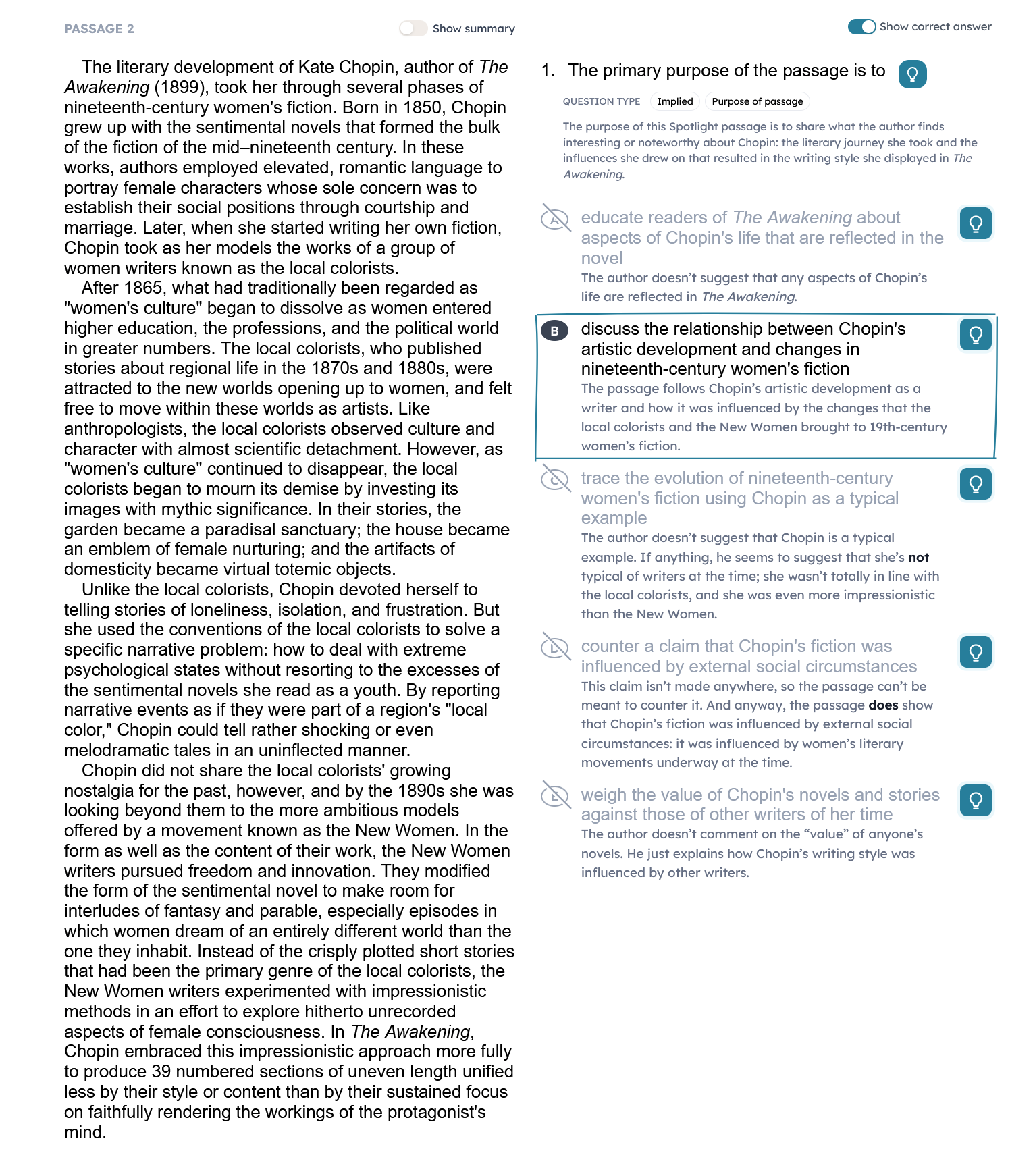
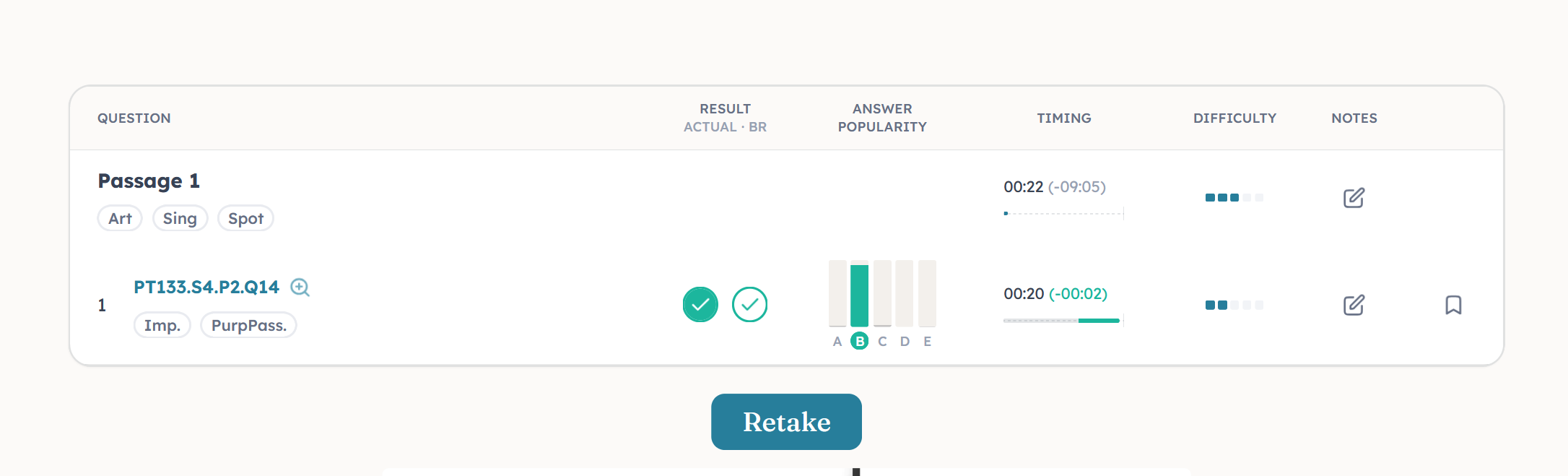
If I do a question or section and I get at least one question wrong, then I do have the option for clean version and I can see the BR as well.
When I did the entire passage together and got some wrong then I see the option for: clean, actual take, and blind review.
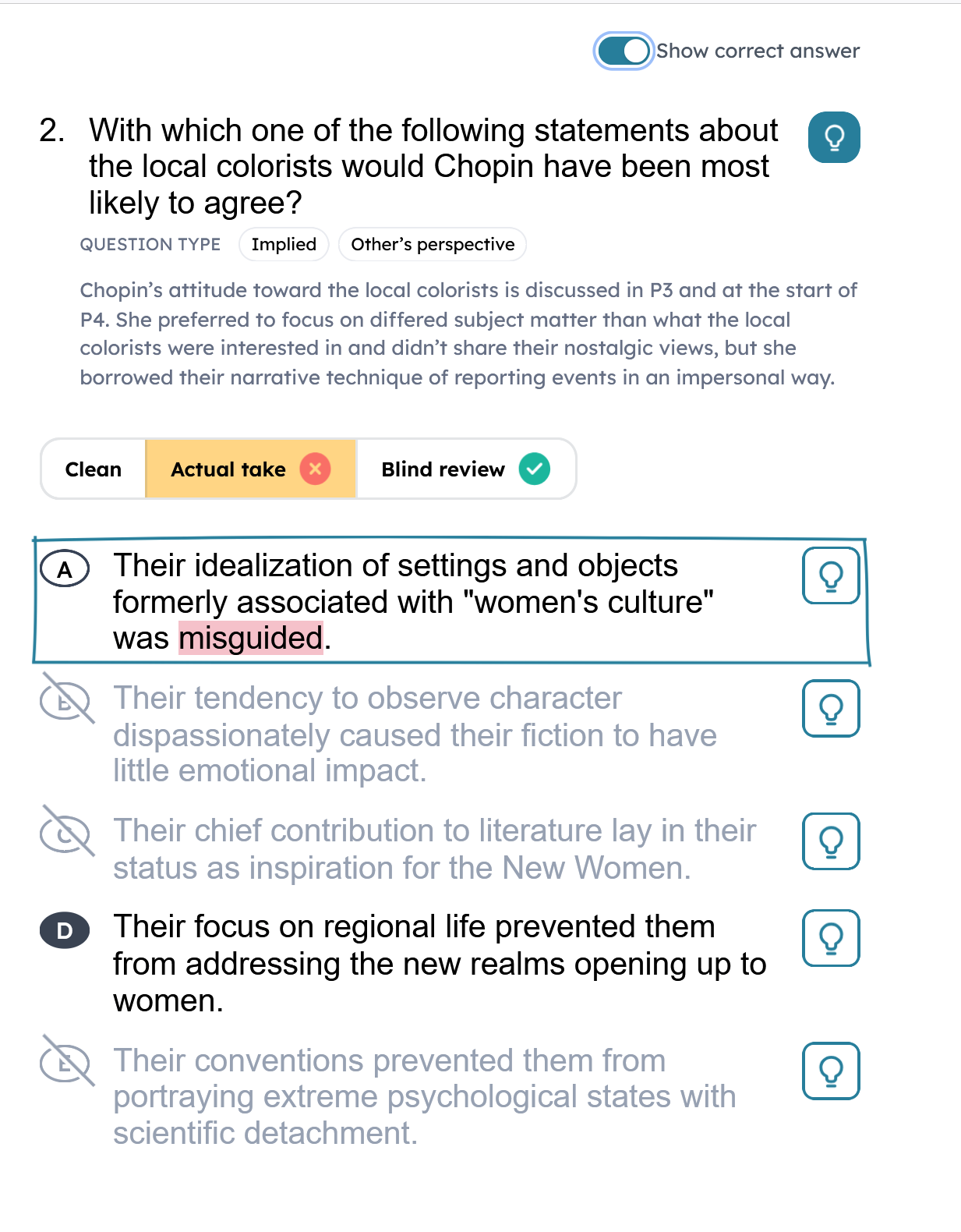
As a control, I did a drill for RC and got 100% and just like my first example, I do not see clean version, actual take or blind review.
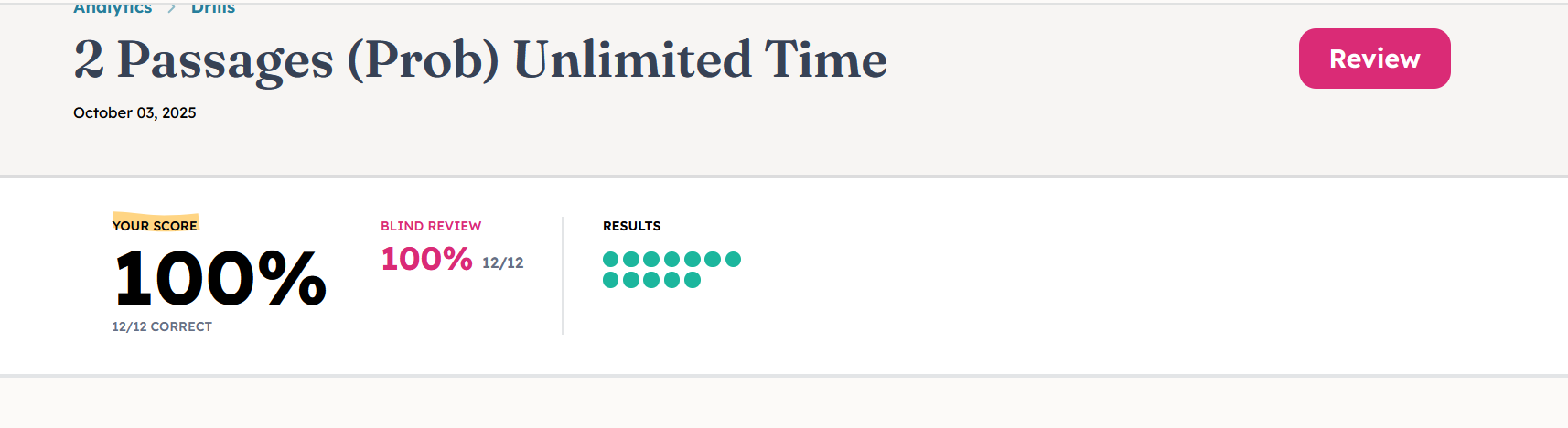
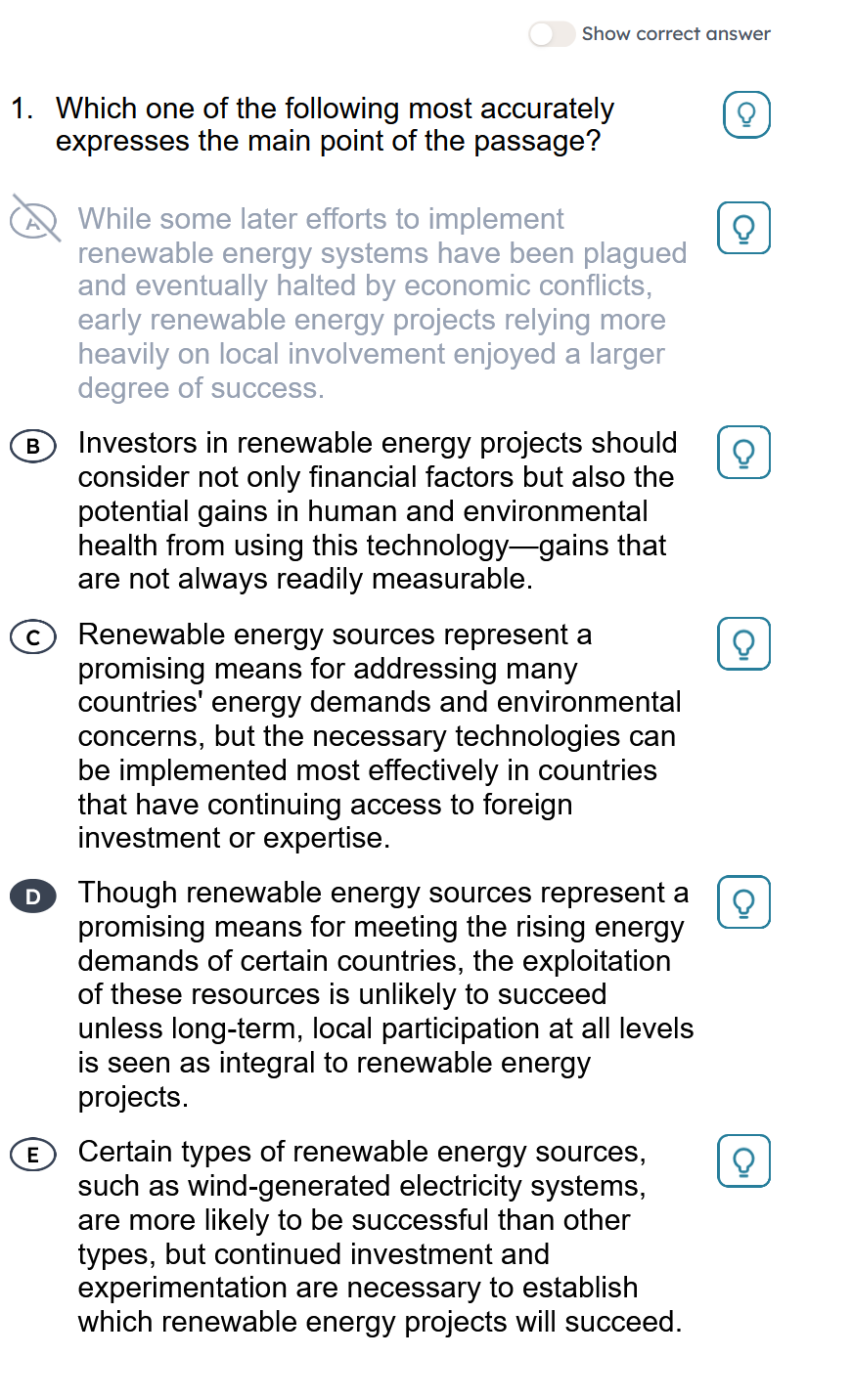
For every question, it only shows my actual take.
@J.Y.Ping Is there any way to change this setting to not be all or nothing and instead have a toggle for each category? For example if I only want BR for those that I got wrong or those I flagged. The current system is just all or nothing when it comes to the recommendations.
@Kevin_Lin thank you Kevin.
For the font the original 7sage font. Whatever it was before and also the 7sage line spacing if possible. So I guess the same as in the top screenshot.