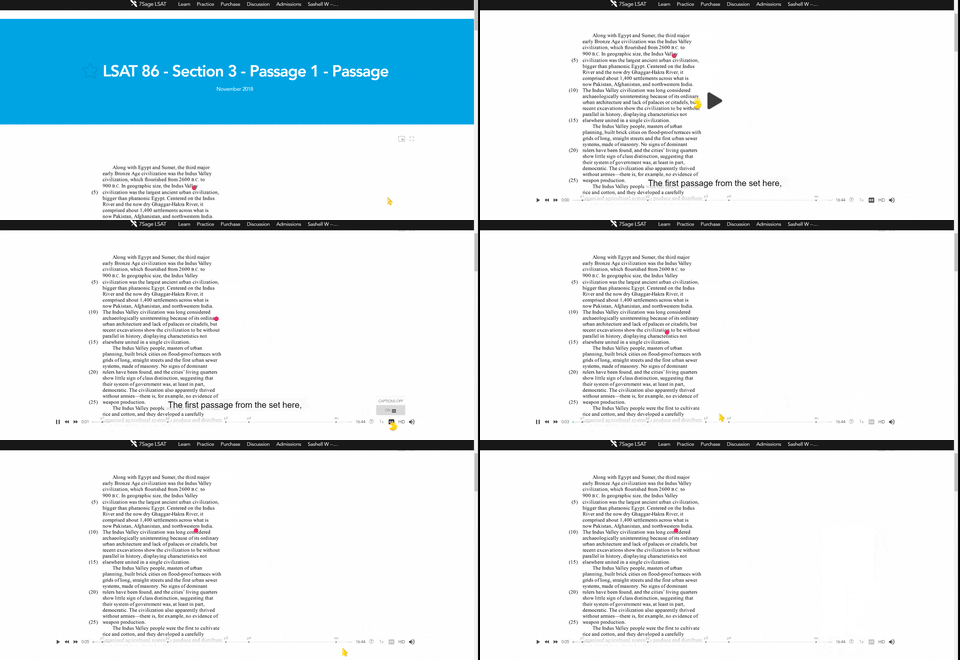
Hi @marynuez206, you can turn off the closed captions by toggling them off using the video toolbar, which you can find at the bottom right of a video. Please see the sample GIF below.
Please let me know if you have any questions or concerns; I'm happy to help!
Subscribe to unlock everything that 7Sage has to offer.
Hold on there, stranger! You need a free account for that.
We love that you want to get going. Just create a free account below—it only takes a minute—and then you can continue!
Hold on there, stranger! You need a free account for that.
We love that you came here to read all the amazing posts from our 300,000+ members. They all have accounts too! Just create a free account below—it only takes a minute—and then you’re free to discuss anything!
Hold on there, stranger! You need a free account for that.
We love that you want to give us feedback! Just create a free account below—it only takes a minute—and then you’re free to vote on this!
Hold on there, you need to slow down.
We love that you want post in our discussion forum! Just come back in a bit to post again!
Sorry, you need a subscription for that.
Happens all the time: now that you've had a taste of the lessons, you just can't stop -- and you don't have to! Click the button.
4 comments
@marynuez206 Ok thank you
@sighsunusual0c231 The process in the GIF will turn off automatic CC, and you don't need to manually turn the CC off every time a video starts.
@marynuez206 Does the method in the gif turn off automatic cc or is this step required every time a video start?
Hi @marynuez206, you can turn off the closed captions by toggling them off using the video toolbar, which you can find at the bottom right of a video. Please see the sample GIF below.
Please let me know if you have any questions or concerns; I'm happy to help!