


✅ Resolved (as of 4am ET, Tuesday July 21): We rolled back the tester to its previous state and all issues below are now fixed. If you're still seeing problems, please comment. Original post preserved below for reference.
You might need to refresh your browser or log out and back in or clear your browser's history to see the changes take effect.
If you're still having trouble with this, please join me in the Tutor Office Hour study room and I'll help you troubleshoot live.
Hey everyone, I want to address a few issues you may have experienced with the digital tester today. I'm sorry these are cropping up, especially this close to the August test. We're aware of them and working through them as quickly as we can.
1. Text size looks too small
When we shipped a recent update, we accidentally set the default font size to 100% instead of 125%. LawHub's default is actually 125%, and we mistakenly assumed it was 100%. That's the cause, but it's still our error, and we're hot-fixing it now. I don't expect it to take more than a couple of hours.
If it's not yet fixed when you see this, you can restore the size yourself: click the triple-dot button, go to Appearance and Accessibility, and change the font size to Large.
2. Can't click/select answers
If you're running into this issue, try these in order:
Change the font size (per the steps above). Several students have reported this alone fixes it.
Log out of 7Sage and log back in.
Clear your browser cache (go to History and clear it), then log back into 7Sage.
3. Accessibility button does the wrong thing
Right now that button toggles dark/light mode, which isn't what it's supposed to do. It should open a panel to change font size, zoom, spacing, colors, etc. We have an issue open for this, and I expect the fix within about 24 hours.
Thank you all for your patience and understanding while we get these sorted.
19 comments
Update: We rolled back the tester to its previous state. All of these issues which were introduced by yesterday's update are now resolved. Please let me know if you are still experiencing problems with the digital tester!
But the REVIEW IN TESTER still looks weird. The font size is too big to read. Are you working on sorting it out?
@yutong2026 Could you take a screenshot or screencap of what you’re seeing?
@J.Y.Ping sorry didn't catch up...you can look at the latest comments, mine looked the same. I can barely use the function.
@J.Y.Ping Actually I have logged out and in for many times, it just doesn't work.
@yutong2026 Sorry about this. I'm in the Tutor Office Hour study room. Please join me there and I can help you troubleshoot this live.
Thank you so much for addressing these issues so quickly! Love 7Sage so much for their continued dedication to success!!
Now I get this!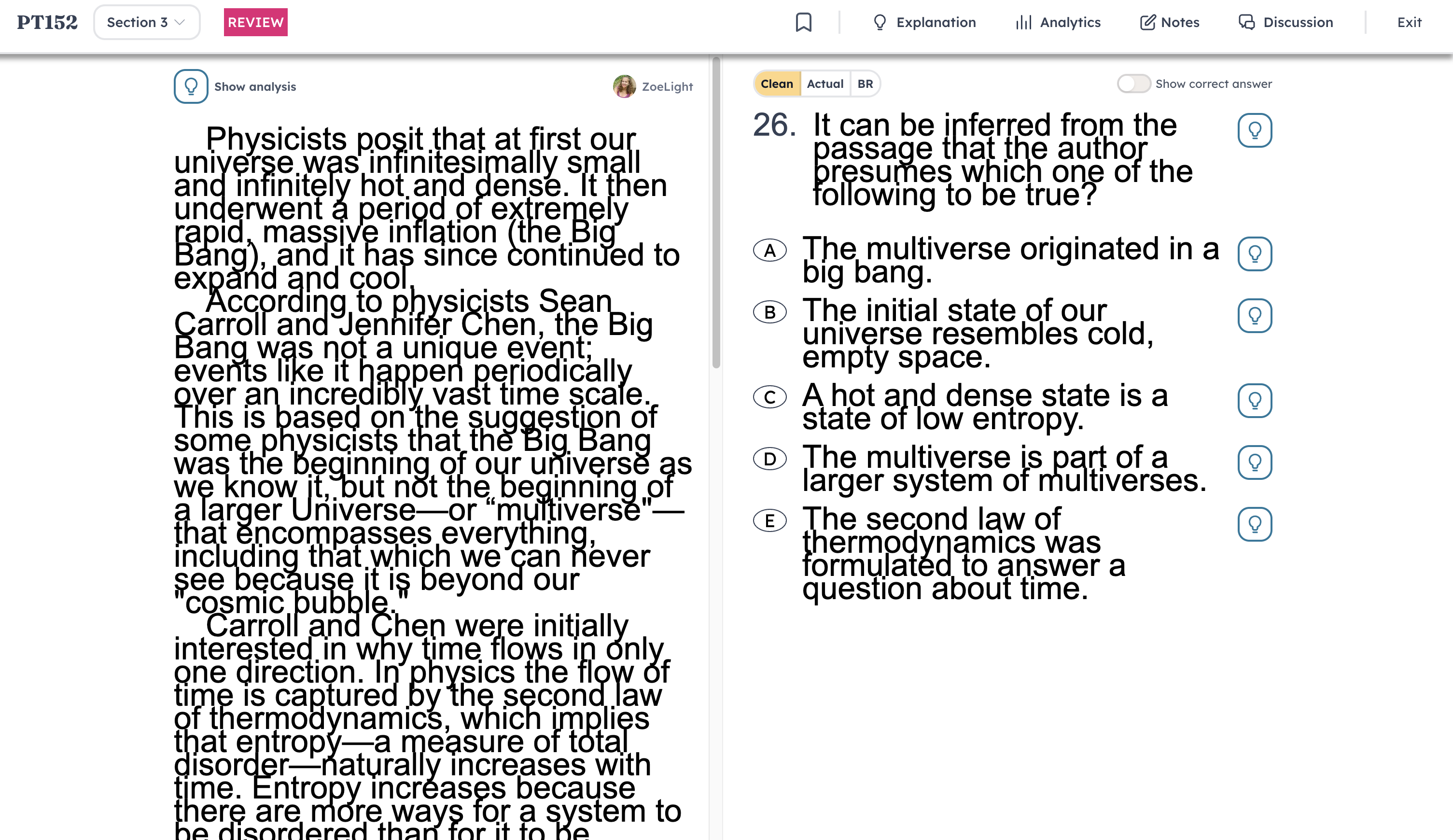
@strawberryicecream Hey, join me in the Tutor Office Hour study room and I can help you troubleshoot this live.
I still get this. Buttons do not work :(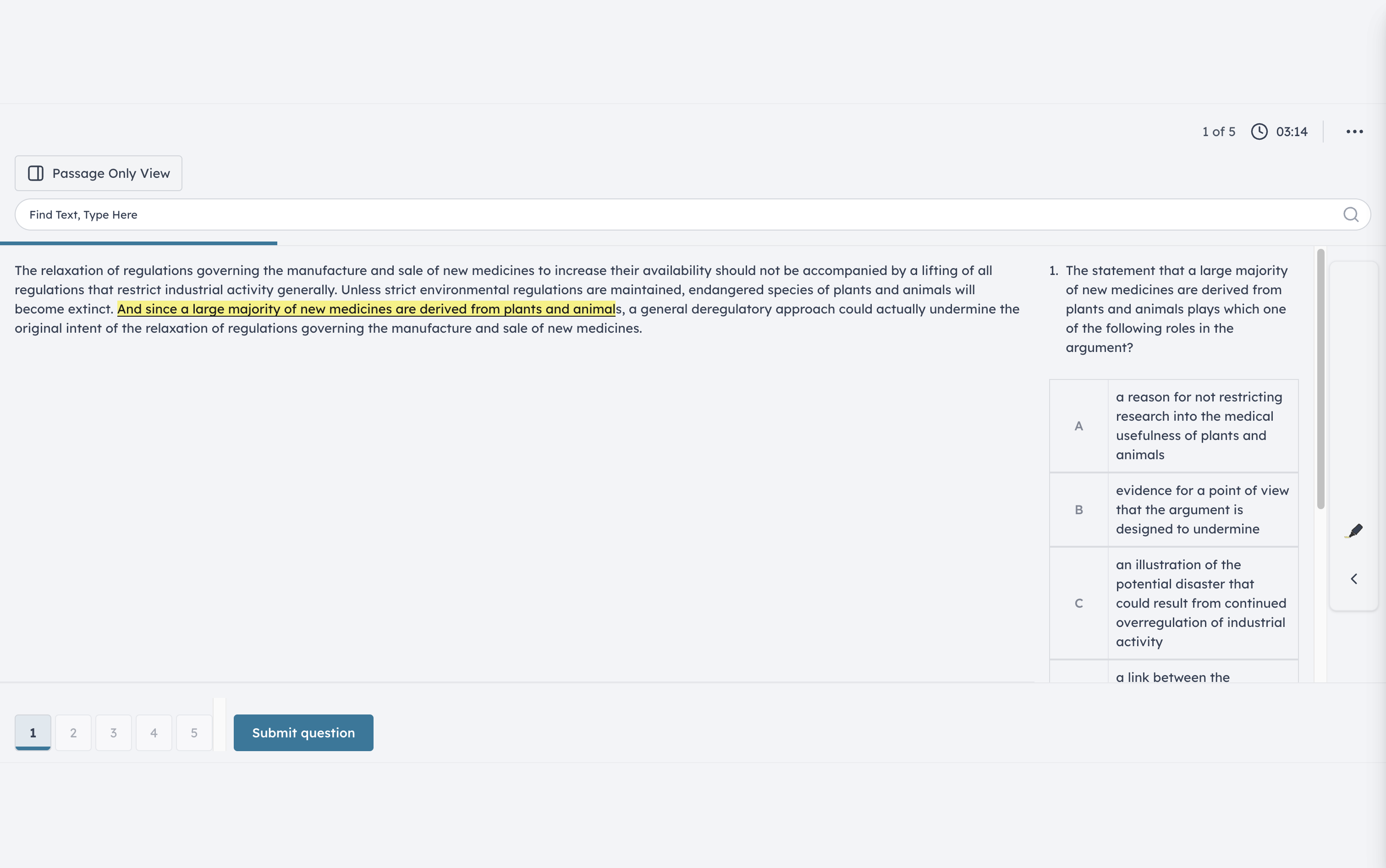
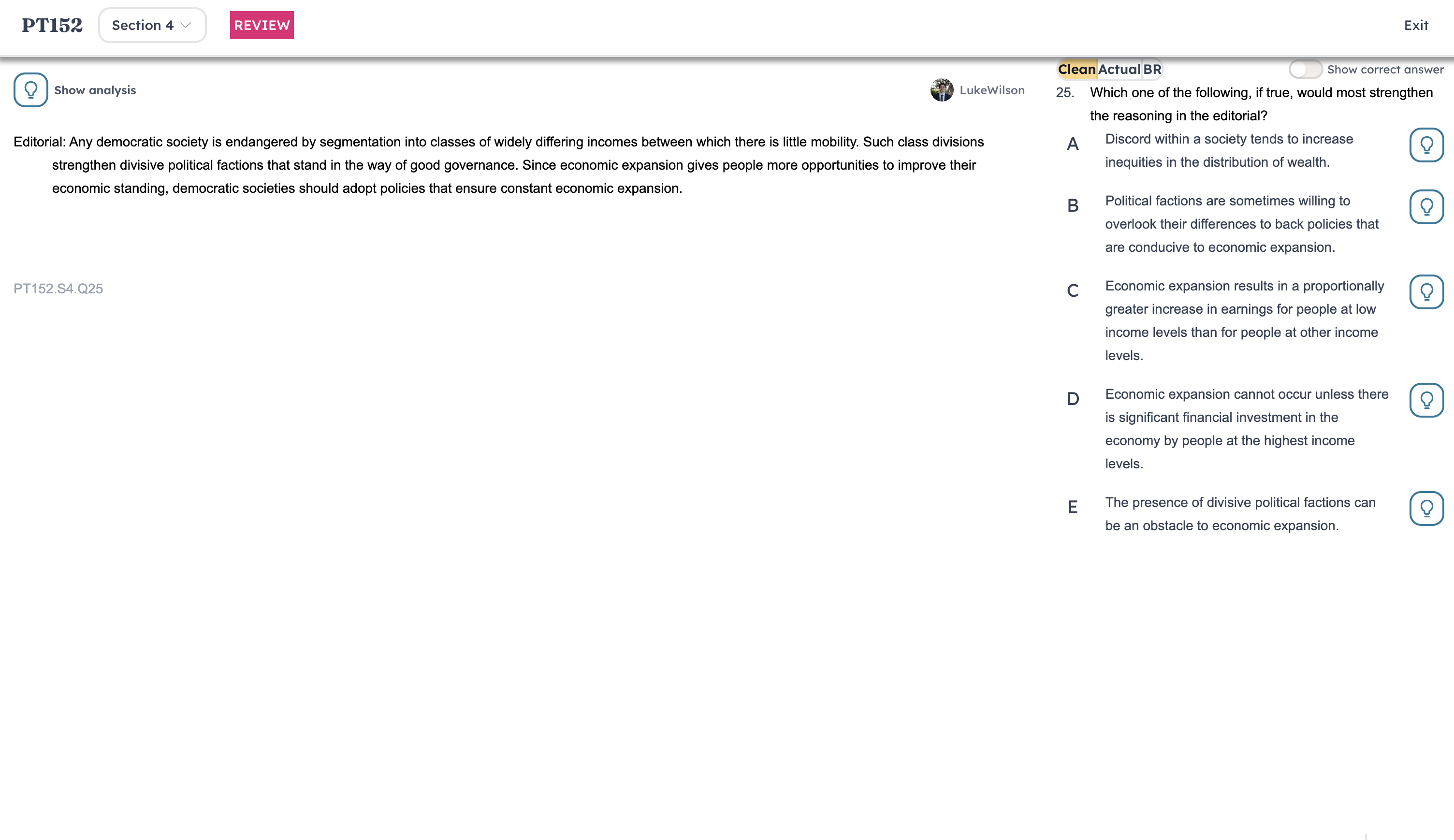
@1416484 Glad to hear that the actual tester is back to normal! Sorry about the review tester though. I'm in the Tutor Office Hours study room. Join me there and I can help you troubleshoot live.
@J.Y.Ping yayy it's back to normal now thank you!
@1416484 Nice!!
Mine is still not working, this is really frustrating.
@cozypetal Can you log out and log back in? If that still doesn’t work, can you clear browser history? Please let me know that doesn’t resolve it.
@J.Y.Ping I'm in the Tutor Office Hour study room. Please join me there and I can help you troubleshoot live.
Ya'll devs definitely vibe coded this LOL
@wylangao Sorry about this. I'm in the Tutor Office Hour study room. Please join me there and I can help you troubleshoot this live.