


- Joined
- Jun 2025
- Subscription
- Core
Admissions profile
Discussions

Hi,
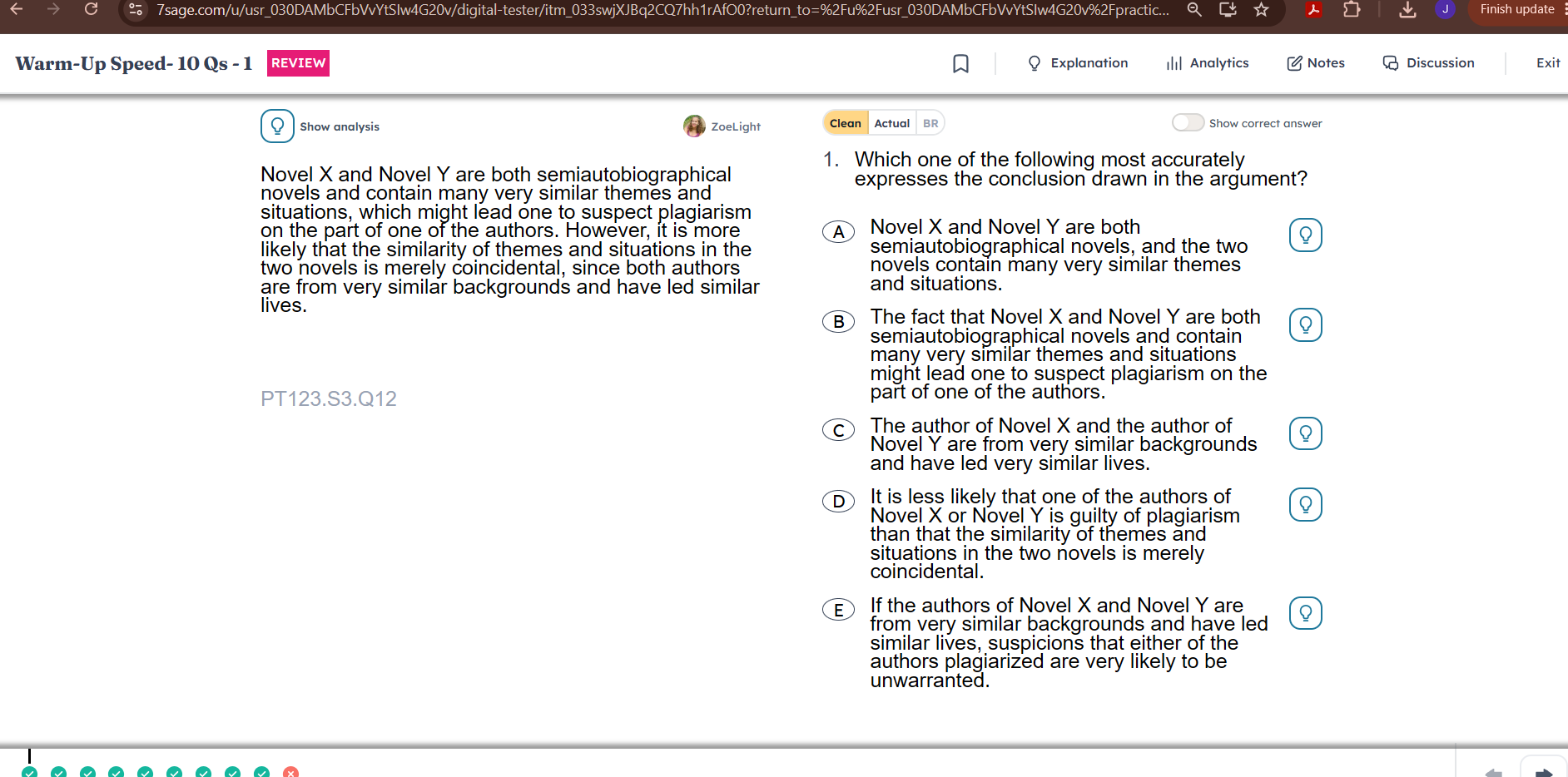
I'm trying to review questions/tests I've already completed, but I can't seem to adjust the font size or line spacing.
Is there a specific setting or a workaround to change the text appearance during review mode? Any help or guidance would be greatly appreciated!
1. The Inconvenience of the New Drill Flow Recently, the update changed how drills work in the study plan—they now start automatically. This is very inconvenient because:
I can no longer adjust the specific level or details of a drill right before starting.
Having to go all the way to the General setting page every single time just to change one drill's setting is highly inefficient for tailored practice.
Request: Please bring back the old style where we could see and adjust the settings page before the drill begins.
The previous workflow was much more user-friendly for LSAT preparation.
for the practice block, when we click LR drill or RC drill we used to see the setting page first and then test, but now it just goes right into the test so that I cannot adjust the level and the details. I want the old setting sytle.and when I click the setting instead of getting the test, it says "internal error"
Could I have an access as well! Appreciated in advance!