7Sage needs to continue using Zoom until they figure out how to make their meeting platform run smoother. Every single time I join a live class on 7Sage the tutor's audio cuts out, the video is laggy, or sometimes (as I'm experiencing right now) we just get completely kicked out of the meeting room. It's extremely frustrating to pay for this feature and set aside a specific time to attend a class only for it to be ruined by these technical issues. Please stick to Zoom or some other reputable platform and make sure the software works before transitioning to live classes here.
15
10 comments
I completely understand, and I’m sorry. You set aside time for a live class and paid for it, and audio cutting out, laggy video, and getting kicked out of the room is not the experience you should be getting.
Why not iron out the bugs first and then switch over? We tried. We were running a slow transition, but it wasn’t surfacing enough of the bugs. Many of these problems only show up under real class conditions, with real numbers of students in the room. So we made the call to rip the band-aid off instead of peeling it back a little at a time. That’s painful, and you’re feeling it. But the errors you’re hitting are exactly the ones we needed to find, and they’re the ones we’re fixing right now.
Our internal deadline is this Friday. You should see it get better every day between now and then. We’re hoping one rough week is a short enough price to pay.
On the other side of this, having the meeting room built natively into 7Sage unlocks things Zoom never could have given us, including better security and features designed specifically for how our classes work. I don’t want to spoil those just yet, but I think they’ll be worth it.
Thank you for your patience, and thank you for telling us directly. Posts like this help us find and fix problems faster.
@J.Y.Ping right now the biggest problem is that you can’t zoom in on the screen. I can’t read any of the questions being shared because it’s just too small. We need to be able to go full screen on what the instructor is sharing.
@BetterLateThanNever Sorry about this; we're aware of the difficulty of reading the text on screen and working on a solution. In the meantime do you see a button like this to go full screen for the screenshare? (You might also consider popping out the video and making that pop-out bigger, if you're using multiple screens.)
@Kevin_Lin Even with the full screen, the text was still too small for me, and I had to leave the class.
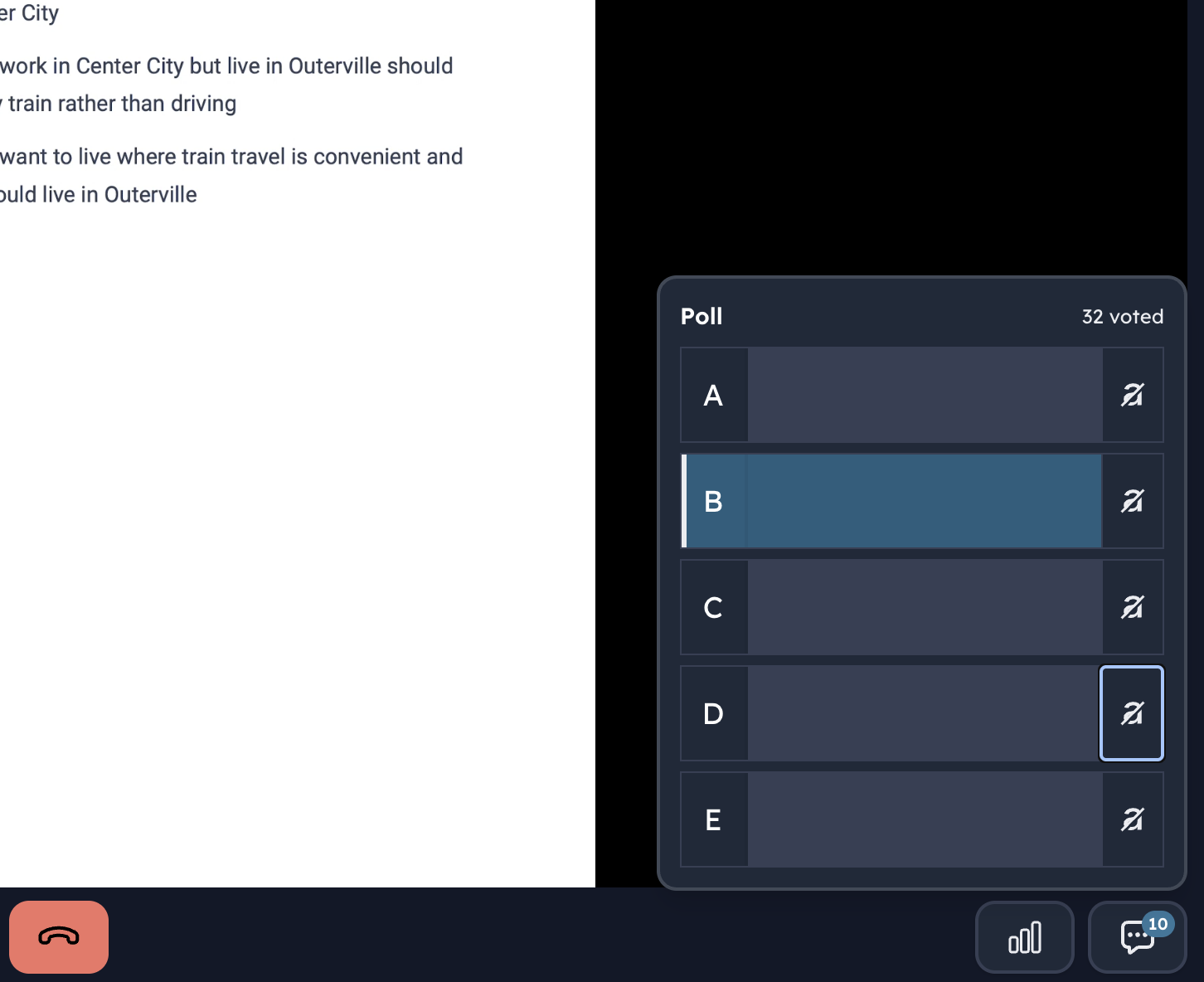
Can we also be able to enlarge the main screen and able to reduce speaker blocks? If we enlarge the main screen with the questions, we can't use the poll and chat functions.
@SungBumAhn While a solution is in the works, in the meantime I find popping out the video and enlarging that pop-out might work well. This way you can still access the chat while watching a video that isn't completely full screen, but still larger than the default.
@Kevin_Lin Thank you!
@SungBumAhn The developers just implemented zooming in on the screenshare, too! So you can scroll / pinch into the screenshare to zoom.
Please try to add polls to the Study Rooms. If it's a defining feature on the platform, I'm asking for that feature to be considered for the Study Rooms. Polls are a gage and a motivator. It's a feature on drills, it's a feature on Zoom.
Please consider us, the users, when you make changes/transition – we're all living full lives while trying to use this platform towards self advancement.
Respectfully,
cc: @J.Y.Ping
@mouniemotions It's here already!