
Feature Request
New postRequest new features or give feedback about 7Sage.
36 posts in the last 30 days

We improved Spotlight search (⌘K). Results are now grouped into Lessons and Questions, so it's easier to scan for what you're looking for.
If there are more matches than fit in the preview, click the "see all" link under either group to view every lesson or question matching your search.
Just a small quality-of-life improvement to help you get where you want to go faster. Let us know what you think!

The "logic games" IYKYK are surprisingly really good. I'm not sure just how good they will be for the real deal, but they seem to give good practice of deriving the formal arguments from English or identifying flaws from English. I'm just requesting that the mobile interface be worked on because it's practically unusable on mobile to really use as a game on the go. Cheers.

I was wondering if it would be possible to have a built in Wrong Answer journal where right after we finish a section or drill, we can write detailed notes for each answer choice and why we picked it over the correct answer choice, then be provided a key take away, which we can later review in a different tab that compiles all of our wrong answer choices all at once so then we can go through them and study them based off of difficulty or issues with certain answer types.
I find it tedious to have to go on other websites and plug all this information in and it would be very beneficial for us to be able to view our mistakes and why we made them. Thank you!

I love the bookmark feature, but I have a tendency to over bookmark and generally, there are different reasons I may want to view a certain question or a group of them together. For example, questions that I did not get wrong, but found difficult. I know we can filter by correct, but that still makes it difficult to find the questions. I think it would be helpful if we could have folders that we could name whatever we wanted and could put questions in, so we could organize them and find them easily!

Can we increase the amount of anxiety caused by the 5 minute warning to match lawhub?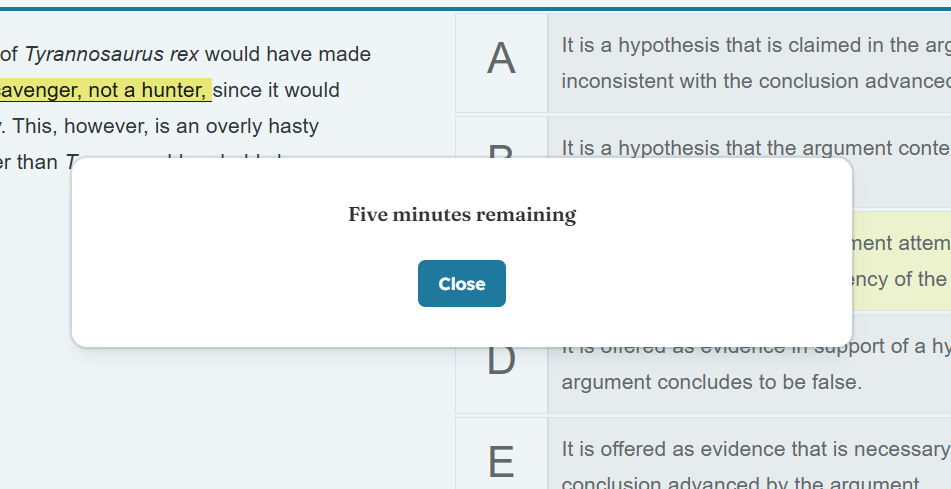
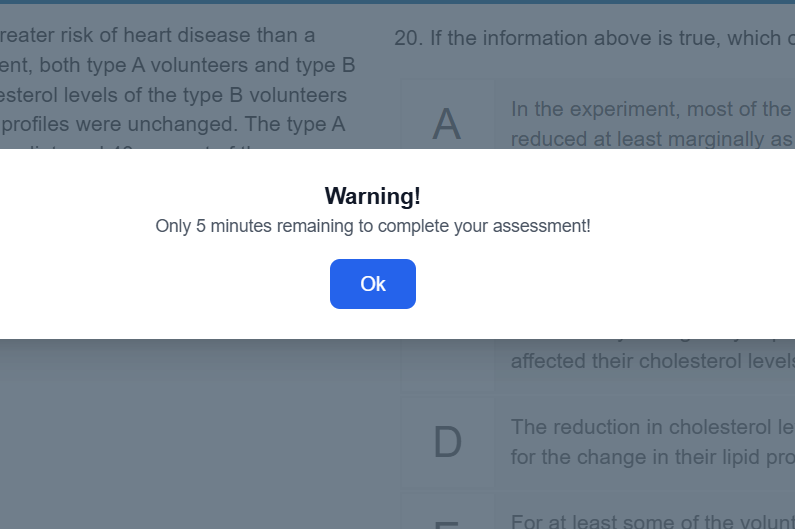 Also interesting is the real time capture of me getting this question wrong Lol.

begging for flashcards for foundations pleaseeeeeee

Hi! I'm trying to amp up the time I spend reviewing questions/sections, and was wondering if there could be a timer of some sort? I am trying to aim for at least 5 minutes deep review per question, so it would be super helpful/motivating to see these review stats! Ty!

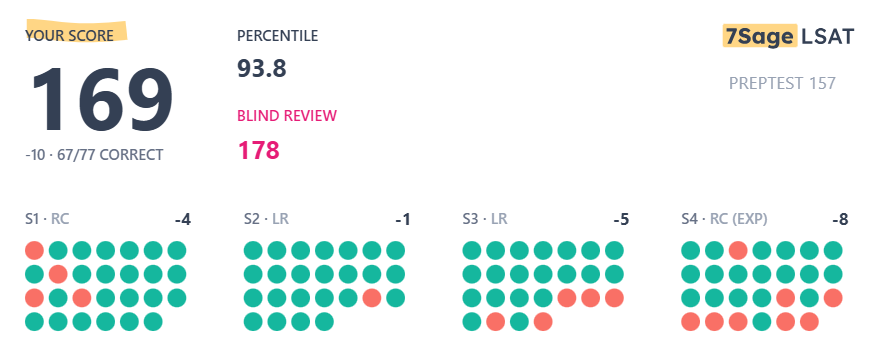

I used to be able to click a magnifying glass icon after I completed a drill, section, or PT next to any question and it would display the question without opening the full tester application. Are we able to bring this back?

It would be really helpful to have a small notes section under the header of each drill. I find that going through the notes of each question is a little tedious and I often wish there was a section for notes to help orient myself.

Hi, is it possible to edit what is in my study plan? I'm at the beginning of my studying journey and I want to take fewer prep tests than once a week. I don't see an option to have more drilling / sections and fewer PTs so wanted to ask if that is a feature.

MickeyClaffey
Independent Tutorbug with drills, AND operator on tags switches to OR after doing a drill and clicking it again
when you select two tags on a drill and hit take another drill after it, i've noticed that you get questions with either tag, not with both. it would be nice maybe to make it clear if you want to drill either tag or questions that have them both, or at least make sure it has consistent behavior

Could we have the options to filter our question by "last week" and/or "last two weeks" (under Analytics > Questions) We currently have 30 days and 60 days. Would love to review questions from the last week(s).
Thank you 7sage team<3

We need a game that trains the above in a math kind of way and in a visual way (preferable before november 1st LMAO

I was in the process of taking another daily PT, when I noticed that the dark mode while testing was changed from the normally darker shade of blue, to a fully black interface. My eyes are pretty accustomed to the former while using a blue light filter, but they generally became strained fairly quickly from reading white text from a fully black background, which is what I experienced while testing.
Could we have the option of using the previous dark mode restored, or made available again through a toggle if this black interface is to be the new standard?

I'm not sure if this has been addressed or not, or if it's feasible. I am a pencil paper test taker and I would find it very helpful to print out drills after it's been created. Again, I'm not sure if this is possible, but a feature like that would be wonderful.
Thank you!!

Hi,
Today I experienced a visual bug with the new question UI. I attached a screenshot of the bug below. It's not the end of the world, just something annoying I ran into. Every question I've done today has had this bug. Has anyone else had this issue?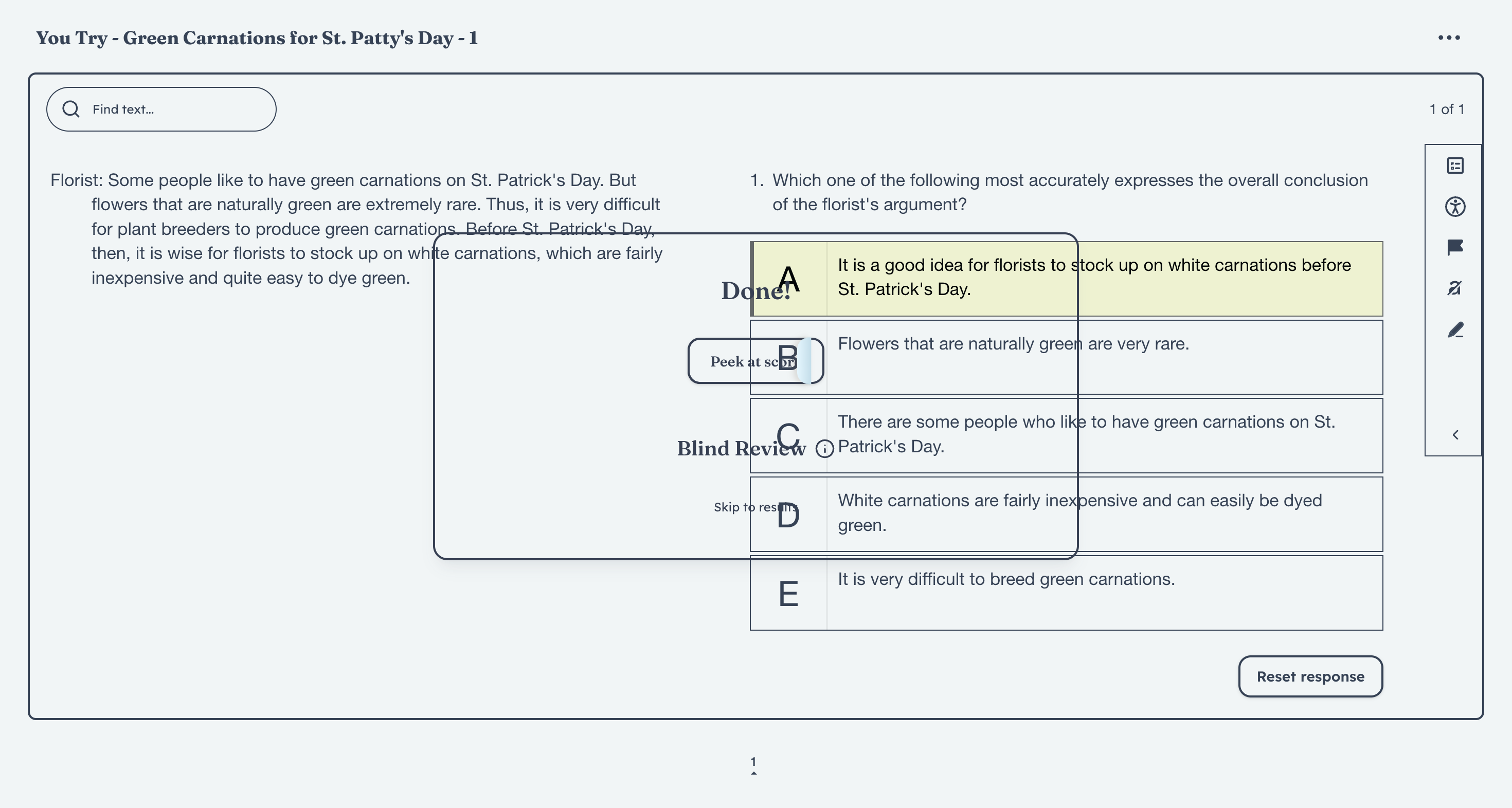

Im not sure if Im the only one who experiences this/has an issue but I noticed 7sage is the only LSAT studying website where I have to double click on highlight. First to select the tool, then select the words I want, and then press highlight again. And its even more struggle switching between the colors. It slows me down a lot.
I took the LSAT earlier this year and the highlighting was not that much of a hassle. Is there any plans about changing the tool to waste less time? This has been especially bothersome during timed sections for me.

Title is self explanatory!
I like to practice active reading directly on the notes while I am blind reviewing my RC, and I was wondering if we could have different colours of fonts. Red, green, blue sounds ideal to me, but at least if we could have the colour the analysis has(that pinkish colour), that would be great!
I want to compare how my analysis is to the explanation, and if the sentences were in different colours, it would be more easier to stand out!
Below is just me showing you how I am currently taking notes. I thought it would be great if my low-res summary is written in a different colour.
How does this sound like?

To change/increase the text size, we must first start the test/drill/etc. then pause and navigate to the screen to update the text size. We must also do this for every test/drill. Is there a way to make this a permanent setting that we do not always have to change?

I am not sure whether this feature already exists, but is there an option to increase the break time between sections? I have accommodations that give me 10 min between sections, and I'd love to recreate that environment during practice tests :)

I don't know how feasible this is but I feel like I would benefit and the analytics for the information as it directly points to what I'm thinking about as I digest the question and ACs. I'm sure people have many different strategies in how they hide/unhide an AC but I feel like there's a lot of good information there that could be utilized. There's probably some patterns that the AI would be able to help identify and give some potential insight into.
On the other hand, I'm sure it would give a lot of noise but I'd rather noise I can try to get insight from rather than not having it.

Can we please bring up tags for live classes?
It'd be easier to filter through recorded classes if they were tagged. The last tagged "flaw" class was May 28. For the "cracking 170" classes, the tags would be even more helpful!

I'm not sure whether having a consistent study time each day would be feasible for me since I work full-time. Could there be a feature to set custom study times each day of the week? For example, more time on weekends and less during the week, or setting a specific day of the week as a rest day. I know this is technically already possible but I think it would be really helpful to be able to set it so that it's consistent for each week. Thanks!

that's all.