


✅ Fully resolved (as of 12:40pm ET, Tuesday July 21): We pushed through a hotfix and we're getting reports that all issues are resolved.
********OP Below*********
If your digital tester is still acting up, please join me in the Tutor Office Hour study room and I'll help you troubleshoot live there.
Update: two students were able to resolve these issues by clicking refresh on the browser.
We rolled back the unintentional changes as of 4am ET Tuesday morning July 21. So everything should be back to normal.
However, some students are continuing to report issues. See comment below.
14
21 comments
Reported issues:
Font size too big on Review tester
Layout skewed to the right and missing buttons on actual tester
@J.Y.Ping THis is happening to me right now as I try to take a prep stest
@YeceniaMo Try refreshing the page. Or closing the tab and reopening it.
@J.Y.Ping Thanks, I had tried that before commenting. I switched the color scheme to yellow/navy and that got me through. Just now I opened another practice test to see if it was still a problem, but it's resovled.
You guys have been great with pushing updates and hotfixes - really appreciate your platform.
@afk Thank you!
Thank you so much for rolling out these interface changes and for addressing issues so quickly! I really appreciate the entire 7Sage team and the work put into helping test takers, especially those of us taking the LSAT in August and beyond, feel more prepared with the new interface.
The exam has definitely become more challenging, with these updates :( but we're less likely to be blindsided on test day! (Hopefully LSAC doesn't introduce any more surprises before then!) Truly grateful for 7Sage and all the support provided throughout this process 😊
@FreeshAvacadoo ❤️
So is the "Passage with Question View" button going to stay on 7Sage? Will it be on the LSAT as well?
@RyanDaily In LawHub, RC has a Passage Only view and the Passage with Question view. LR does not. (We currently have "Passage Only" and "Passage with Question" for both RC and LR, but will move to remove this from LR to match LawHub).
@Kevin_Lin thank you!
Hi how can I get the review font size smaller? It is too big in mine too.
@sweetrain4219 Sorry for the trouble! I reached out via email to help. Please check your inbox. Thank you!
I'm still having issues with layout being skewed to the left - could I get some troubleshooting assistance?
@mpawlak actually - nevermind it seems to be working now!
@mpawlak Great!
So is what we are seeing now accurate to what we will see on test day?
@Lk8 Yes, with the following small exception:
trying to resume a prep test, but the screen is blurry and can't do anything (refresh doesnt work):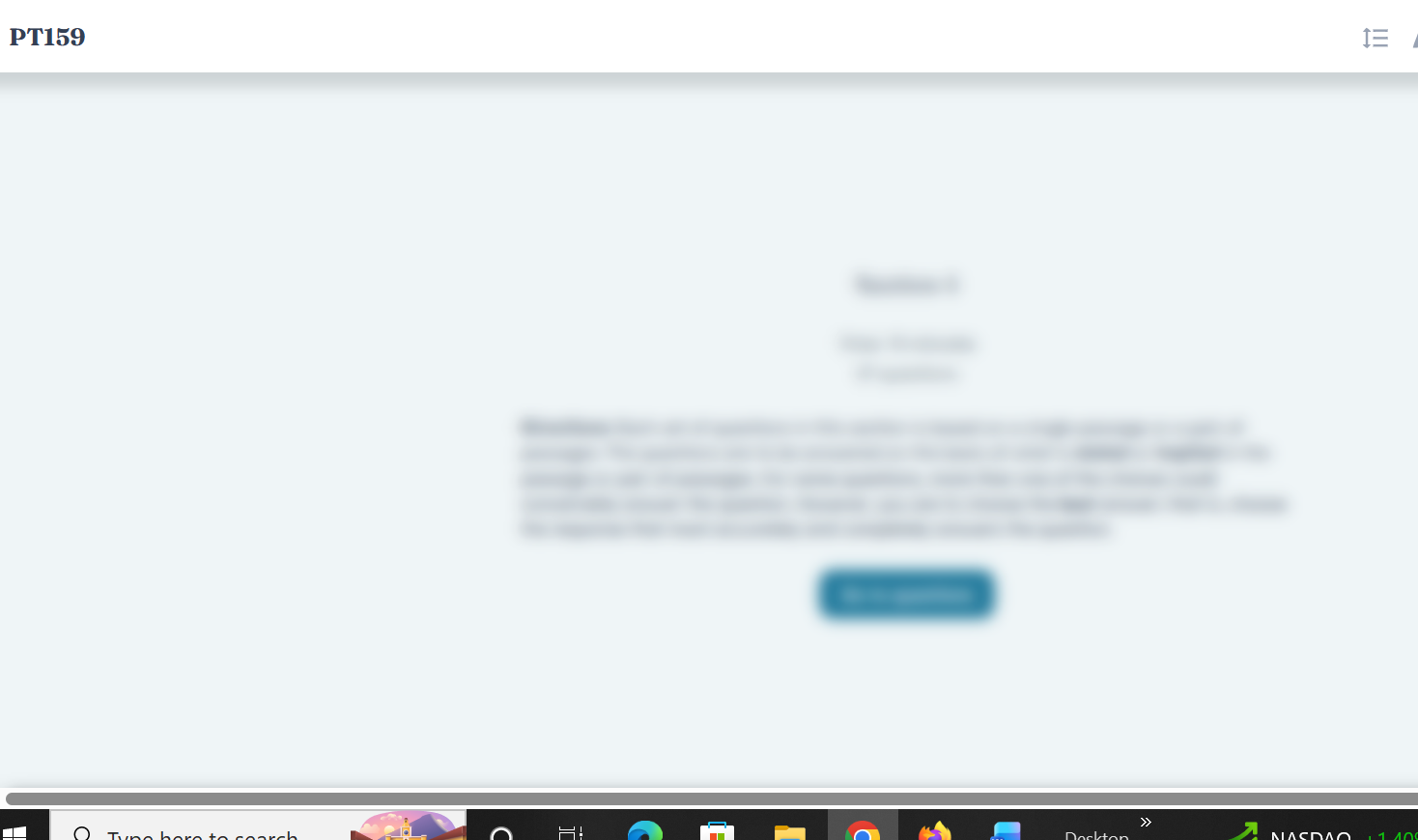
@RyanSD Haven't seen that before. Want to jump into a Study Room and I can help you troubleshoot? https://7sage.com/discussion/study_room/sr3
Looks like this is resolved, thanks @RyanSD!